Two ways of writing
A notes app is a place where everything lands: a shopping list, an idea, a phone number. Notes pile up, and you rely on search to find them again. That is perfect for things you read once.
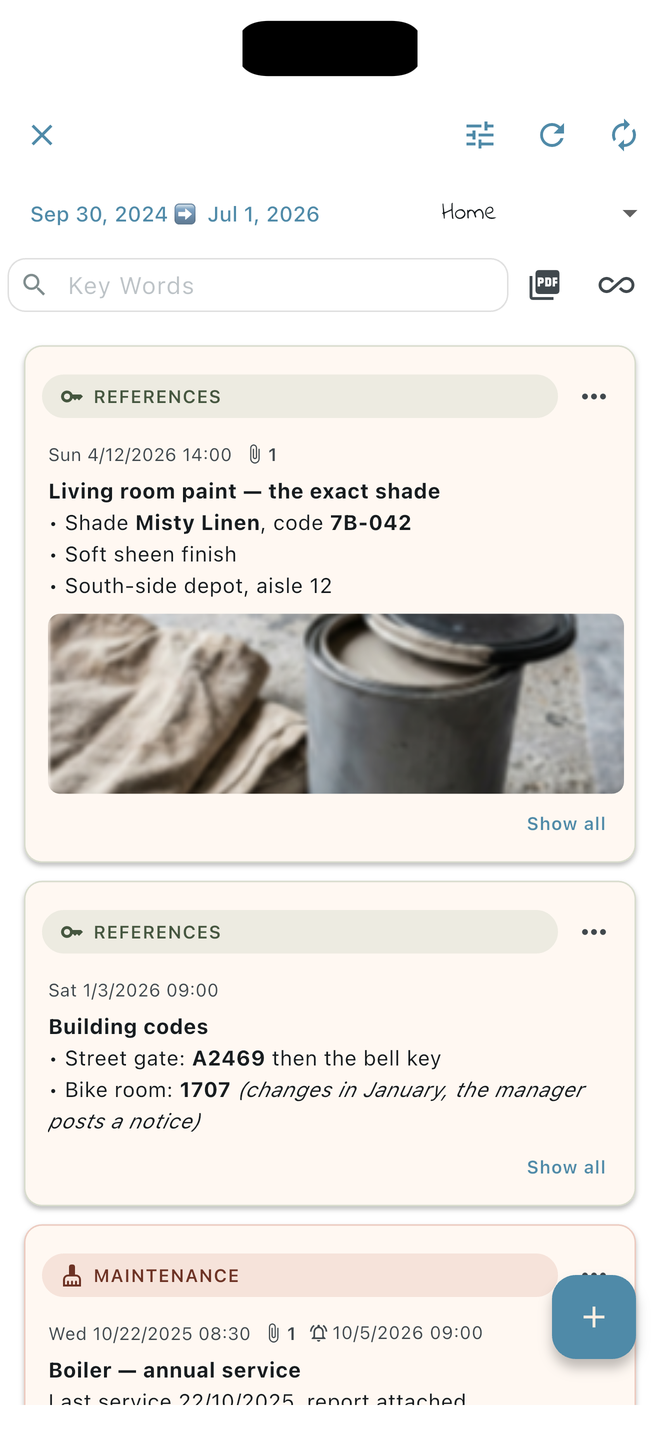
A memo notebook starts from a different question: what does this belong to, and when? The cat’s treatment goes in the cat’s notebook, the booking in the travel notebook, Tuesday’s meal in the food diary, each on its date. You stop searching: you open the right notebook on the right day.
Where your notes go
“Private” does not mean the same thing from one app to another. What matters is where your notes are stored, and who can reach them.
| App | Where the notes are |
|---|---|
| Google Keep | Synced through your Google account: on Android, Keep is switched on in the account’s sync settings, and reloading your notes needs a strong internet connection[1]. |
| Apple Notes, “On My iPhone” account | Only on the iPhone; they are, however, included in the iPhone’s backups to iCloud[2]. With an iCloud, Google or other account, they sync across your devices. |
| Notenda | On your device. Today, Notenda creates no account and sends your memos to no server; an exported archive is your backup. |
In other words: if all you want is to keep notes on your iPhone, Apple Notes already lets you. The choice lies elsewhere — in how you want to file and find what you write.
When a regular notes app is enough
- You mostly write short-lived things: lists, loose ideas, drafts.
- You want your notes on several devices, or on a computer, right now: for the time being, Notenda keeps your memos on a single device, Android or iOS.
When a memo notebook makes the difference
- You follow something over time: a treatment, meals, training sessions, home upkeep. Each memo’s date and the day view bring out the thread.
- You want some things to come back: a reminder on a memo — the cat’s next flea treatment, a due date.
- You want others to disappear: a memo can carry both a reminder and a deletion date. Ideal for an ephemeral message — a code to pass on tomorrow, recalled at the right moment, then erased along with its attachments.
- You keep documents with the text: the invoice, the prescription, a photo of a label, and even the text recognised in a photo, right on your phone.
- You need to pass it on: a PDF export of selected memos, for a doctor, a vet or the person house-sitting.
The right questions before choosing
- Where are my notes stored, and do I need an account to read them?
- What happens if I lose my phone? Is there a backup, and who holds it?
- Do I need my notes on several devices at once?
- Do I mostly look things up by keyword, or by subject and date?
Sources
- Google Keep Help, Fix problems with Google Keep (Android phone and tablet).
- Apple Support, Add or remove accounts in Notes on iPhone.
Everything about Notenda comes from its frequently asked questions.